Lineage Graph
Code Ocean
The Product
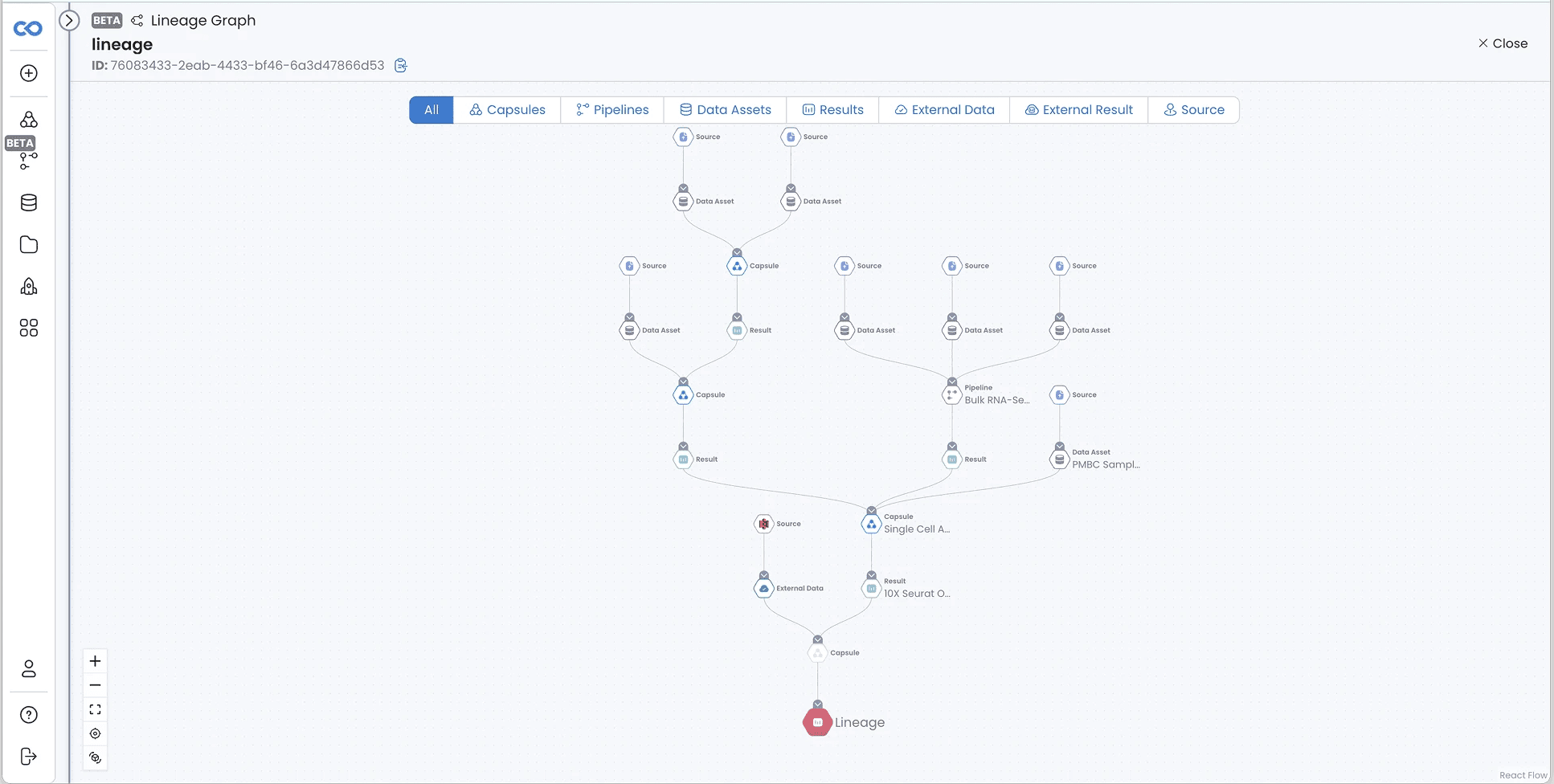
Code Ocean empowers computational scientists to run, reproduce, and share analyses. As projects scaled, so did complexity: dozens of Capsules and datasets interacted invisibly, so teams struggled to trace dependencies, debug failures, or reproduce results confidently.
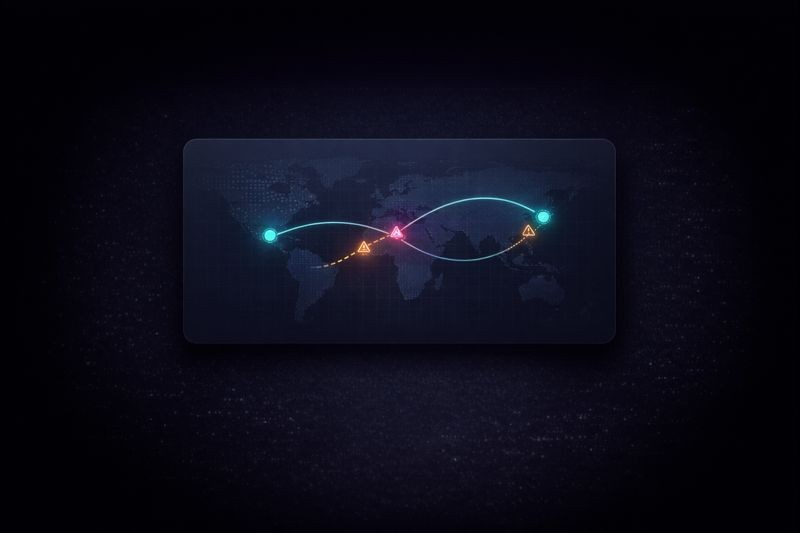
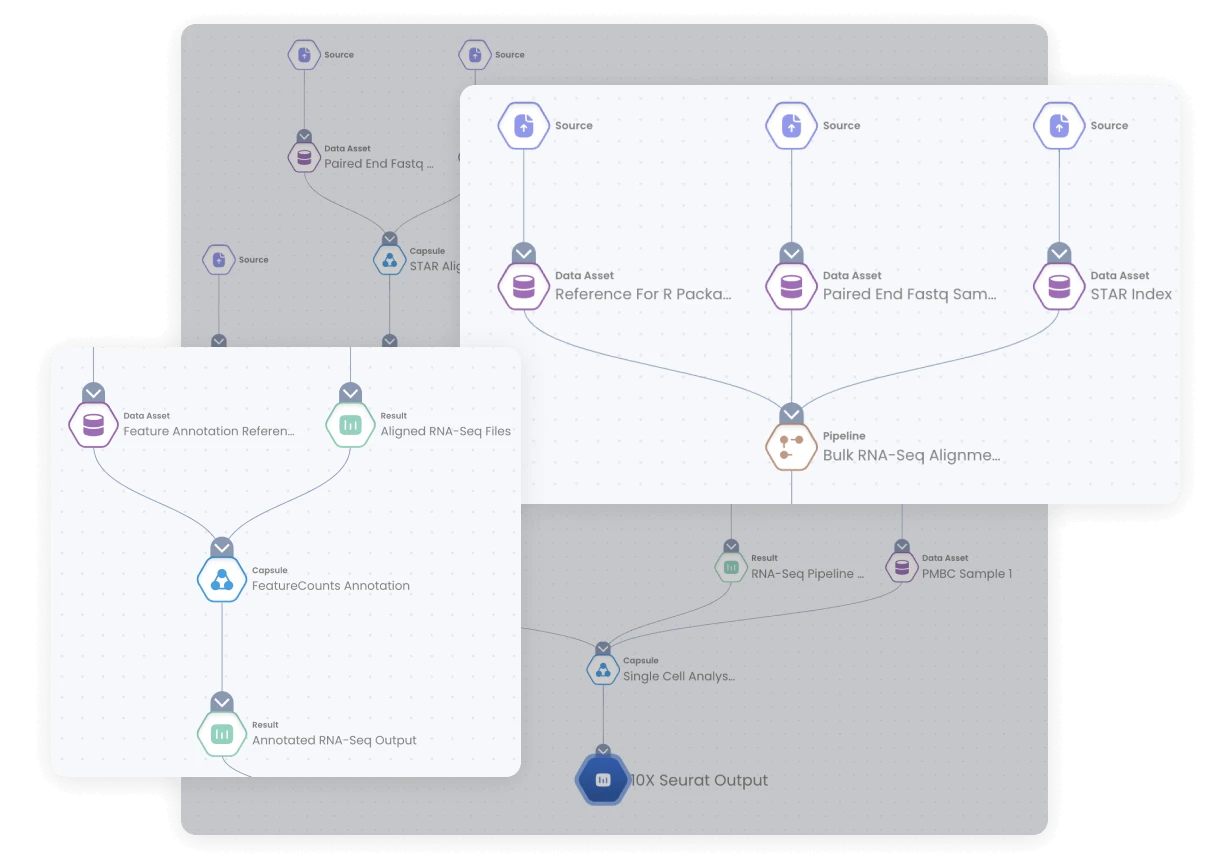
The Lineage Graph goal is to bring clarity and trust by mapping every relationship between code, data, results, and pipelines in real time.

The Process
The Challenge
No Role Divercity
No Clear Path
Code only view
High Effort
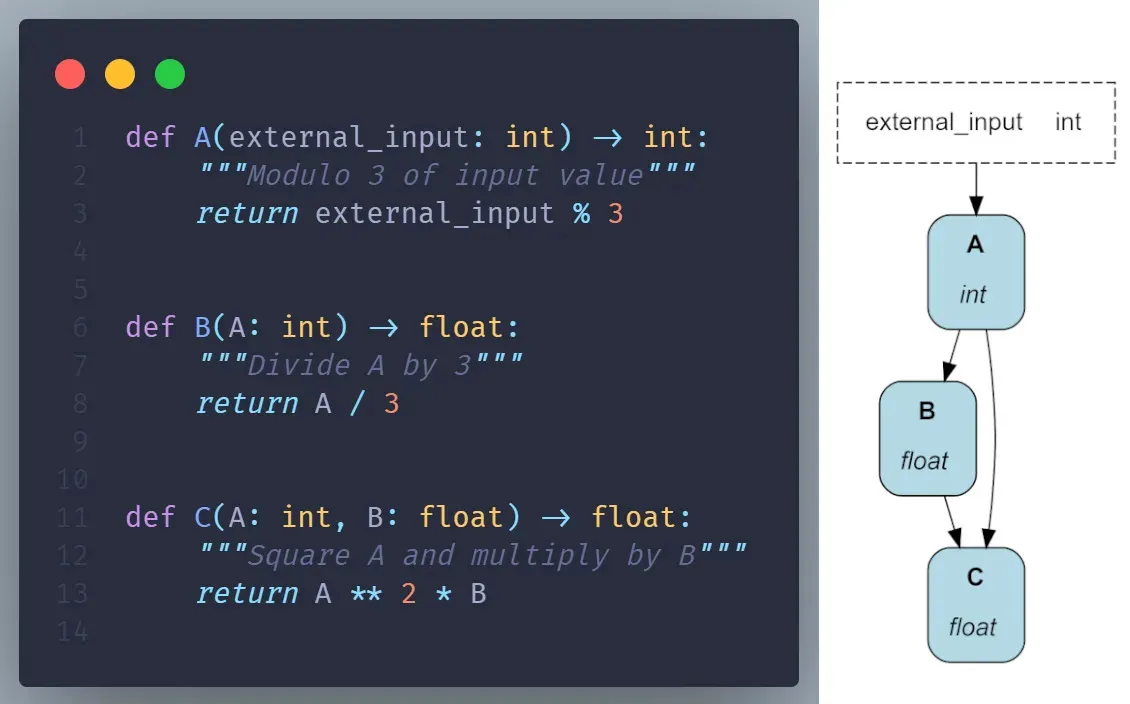
“I just want to see what feeds what, without reading five scripts.”
— Data Scientist, Bioinformatics Team
The Research

Competitive Benchmarking
Competitive Benchmarking

User Interviews
User Interviews

Heuristic Analysis
Heuristic Analysis
Findings
Cognitive overload: Users abandoned DAGs (Directed Acyclic Graphs) once graphs exceeded ~50 nodes.
Traceability gaps: Users couldn’t answer “what created this file quickly?” without investigating many scripts.
Role diversity: Scientists needed readability, not raw DAG syntax.
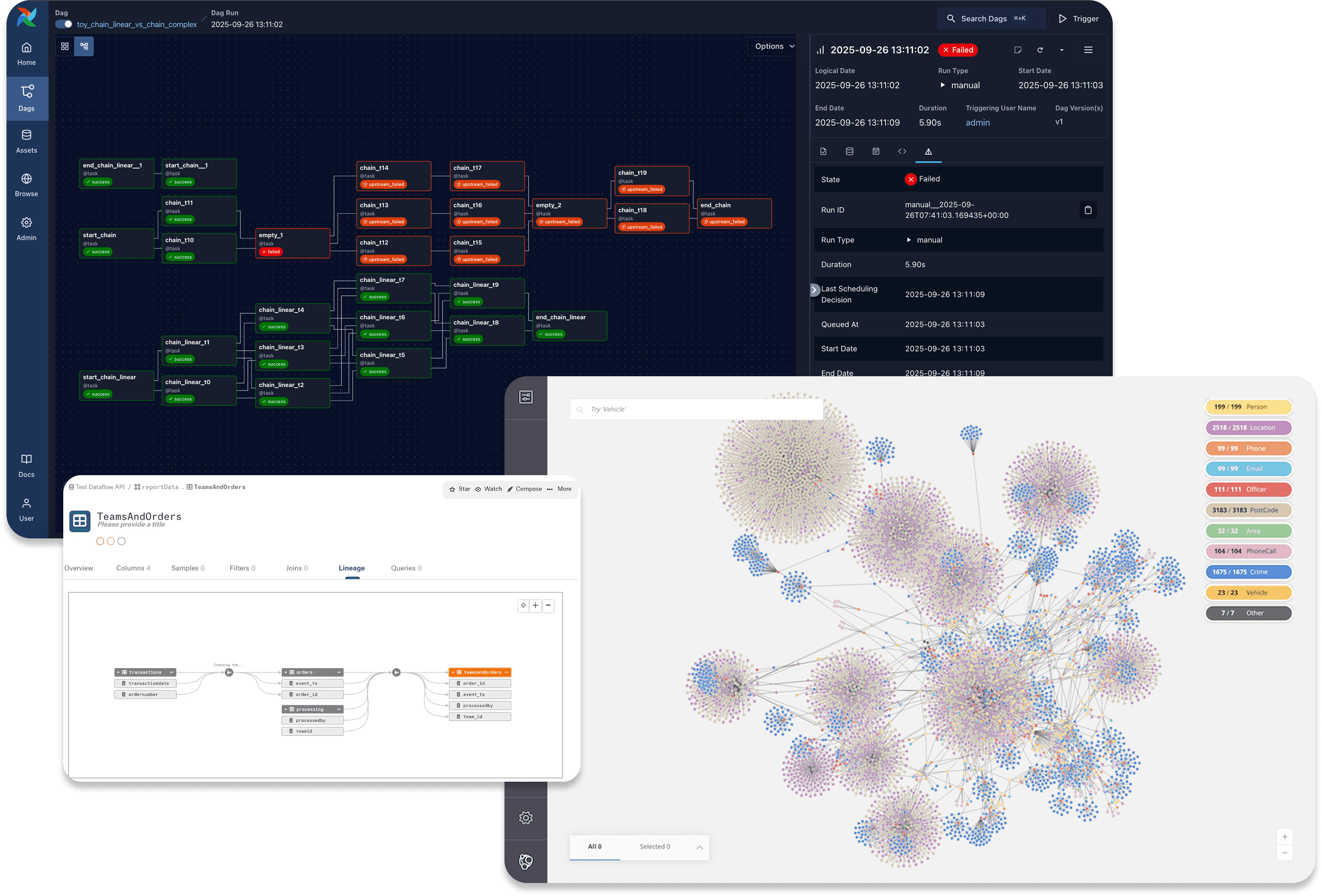
Tool gaps:
Airflow → powerful but intimidating for non-engineers.
Neo4j Bloom → friendly but too generic for code/data context.
Alation → excellent progressive expansion, limited workflow awareness.
Takeaways & Goals
Address complexity through progressive discolsure
Visuals- first
Quick Positioning detection
Canvas controls as a must
The Design
Principles
Architecture
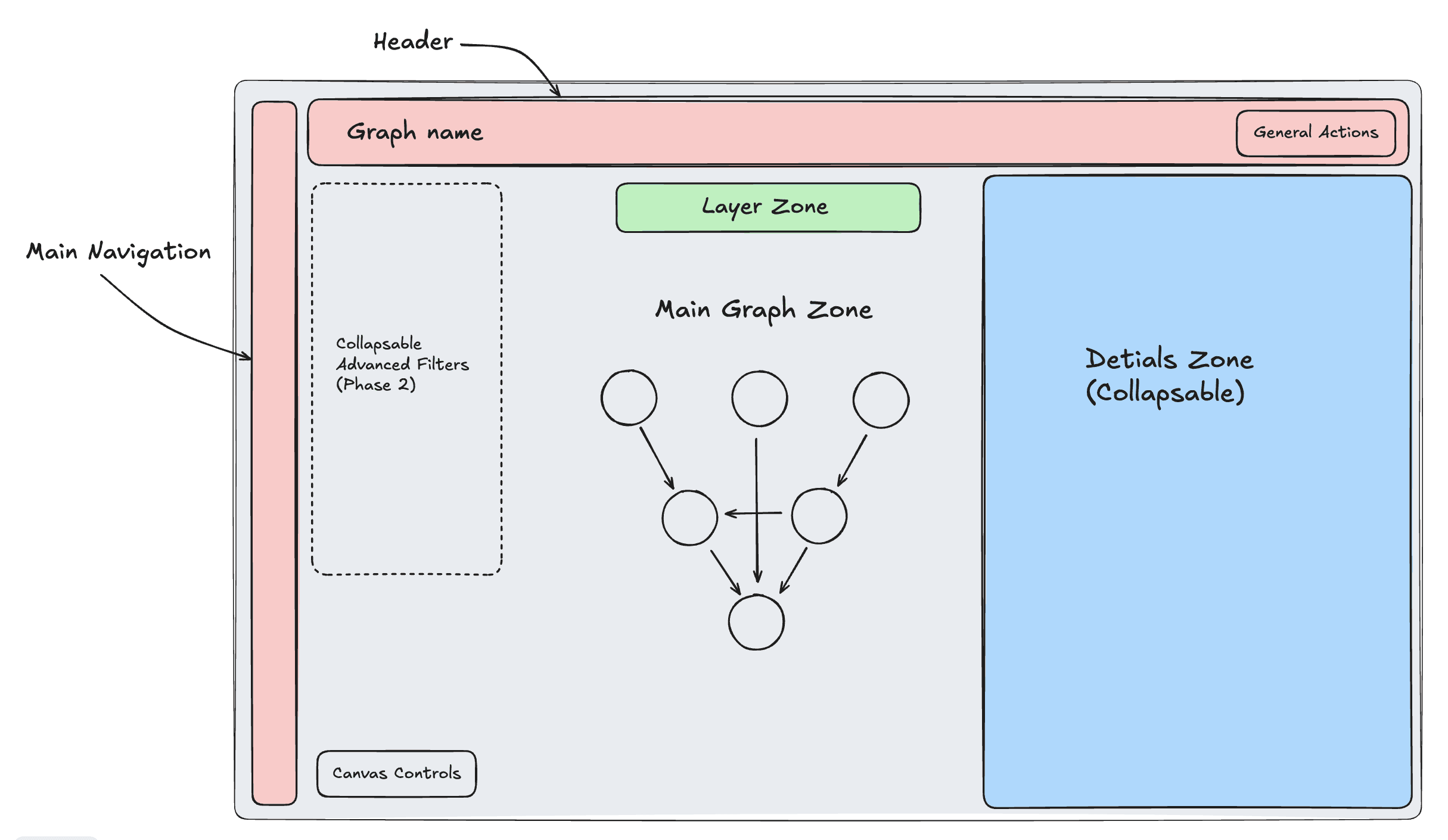
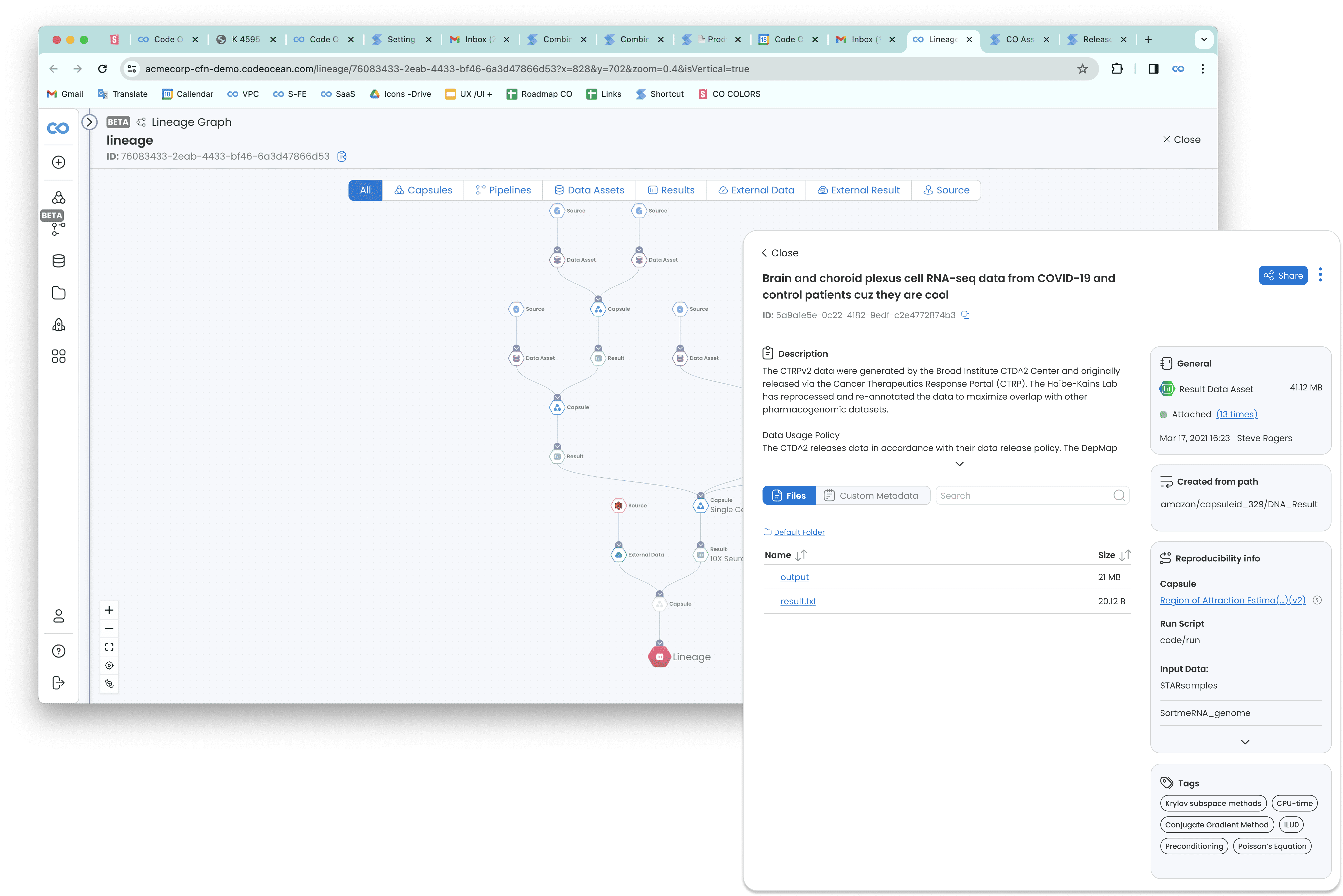
Graph canvas (core view).
Layer controls.
Filters
“Details Panel” (on demand).
Breadcrumbs highlights on hover for orientation.
Solution Overview
Visual Vocabulary
Calm Overview + Expandable Depth
Role -Friendly
Real-Time Synchronization
Validation & Outcomes
Results from Usability Sessions
Tasks: trace upstream sources, verify reproducibility, assess impact of change.
Outcome:
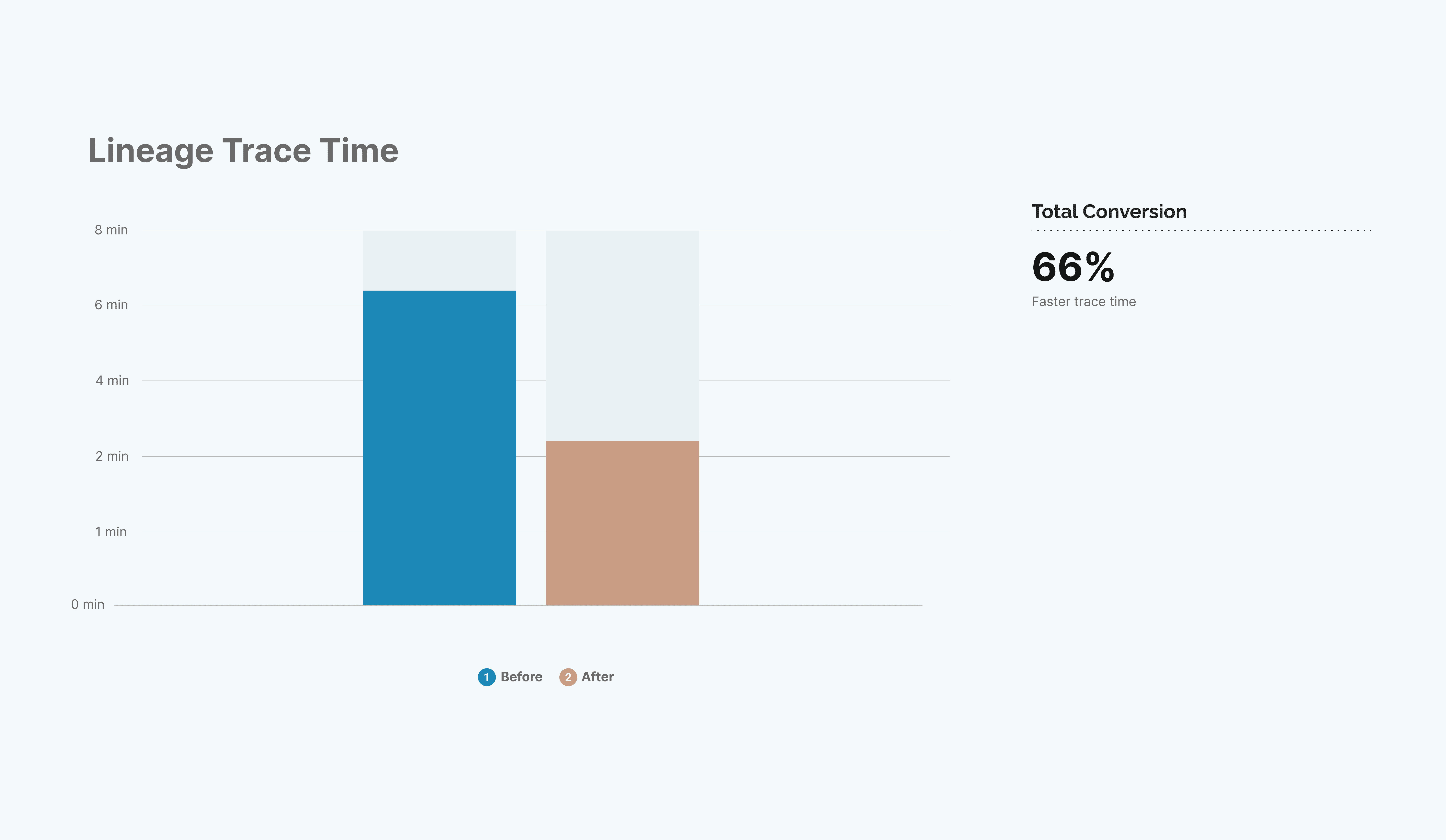
90% task completion success.
Average trace time reduced from ~6min → 2min.
“Feels calm and obvious” repeated across testers.
“This finally matches how I think, start small, follow the thread, open detail when I need it.”
— Computational Scientist, internal pilot
Reflection
Designing for technical users reaffirmed that:
People want clarity, not complexity. Even engineers appreciate a “calm default.”
Progressive disclosure builds trust. A predictable reveal rhythm reduces stress.
Reproducibility is emotional. Seeing lineage instantly builds confidence in results.
Collaboration with engineering was crucial: graph performance required virtualized rendering and dynamic clustering, ensuring UX fluidity even with 1,000+ nodes.
The Lineage Graph transformed hidden complexity into navigable clarity.
It unified scientists and engineers under a single visual truth, reduced cognitive friction, and redefined reproducibility as an interactive experience.
Thankyou :)
“Good design is obvious. Great design is transparent.”
— Joe Sparano